
Split in 3 interest-free payments of with  Learn More
Buy Now. Pay Later.
Select Klarna as your payment method at checkout to pay in instalments.
Pay in 3 installments of
Interest free
Pay in 30 days
Buy now, pay later.
Pay now
In full
Pay in 3 interest-free payments of with  Learn More
Pay in 3
Make one payment today, then pay the rest in two interest-free monthly payments.
Pay in 3 installments of
Interest free
Pay now
In full
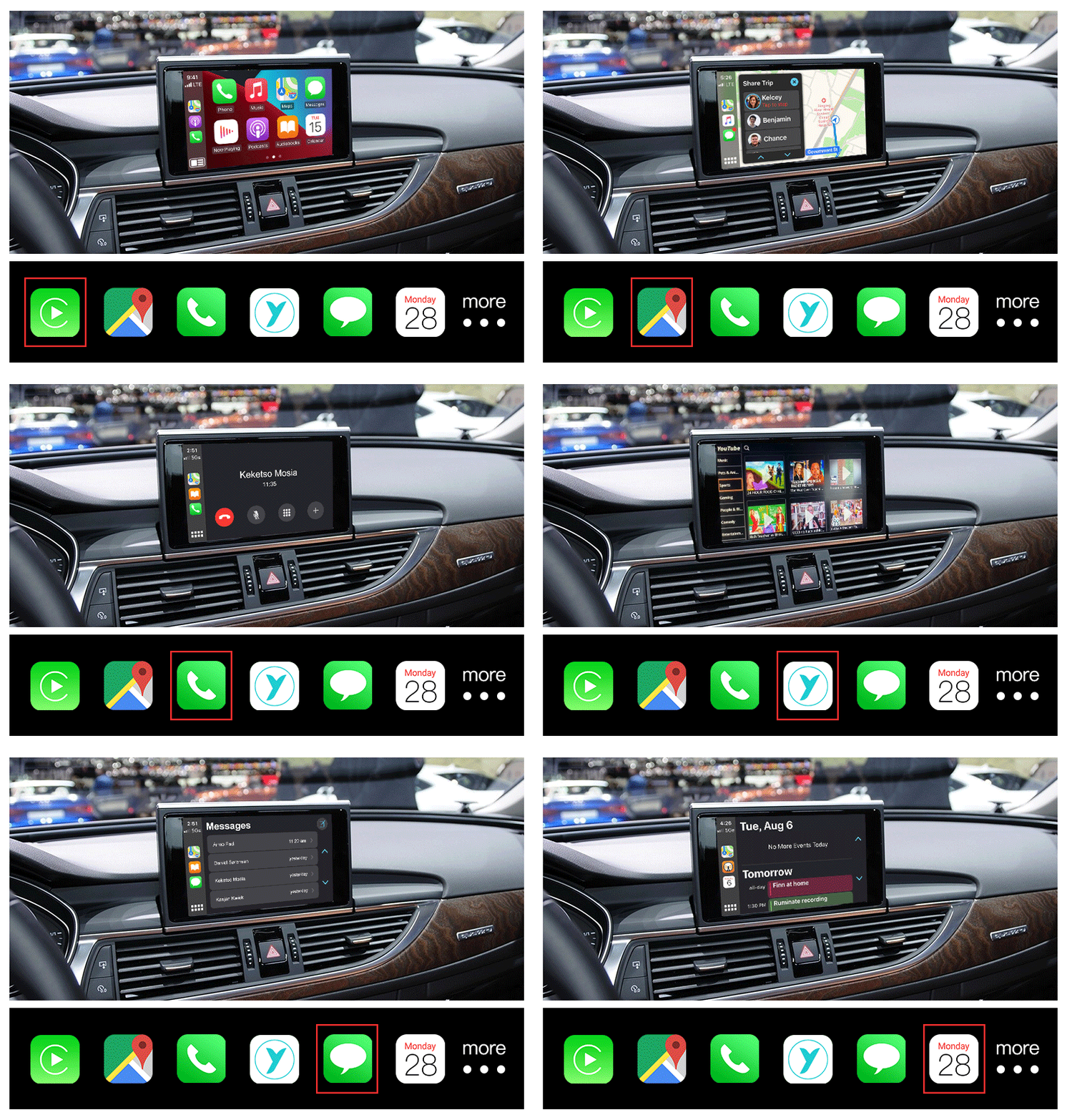
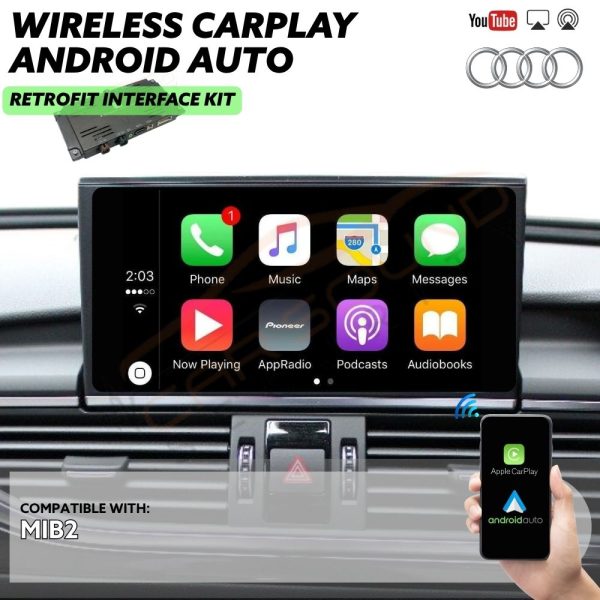
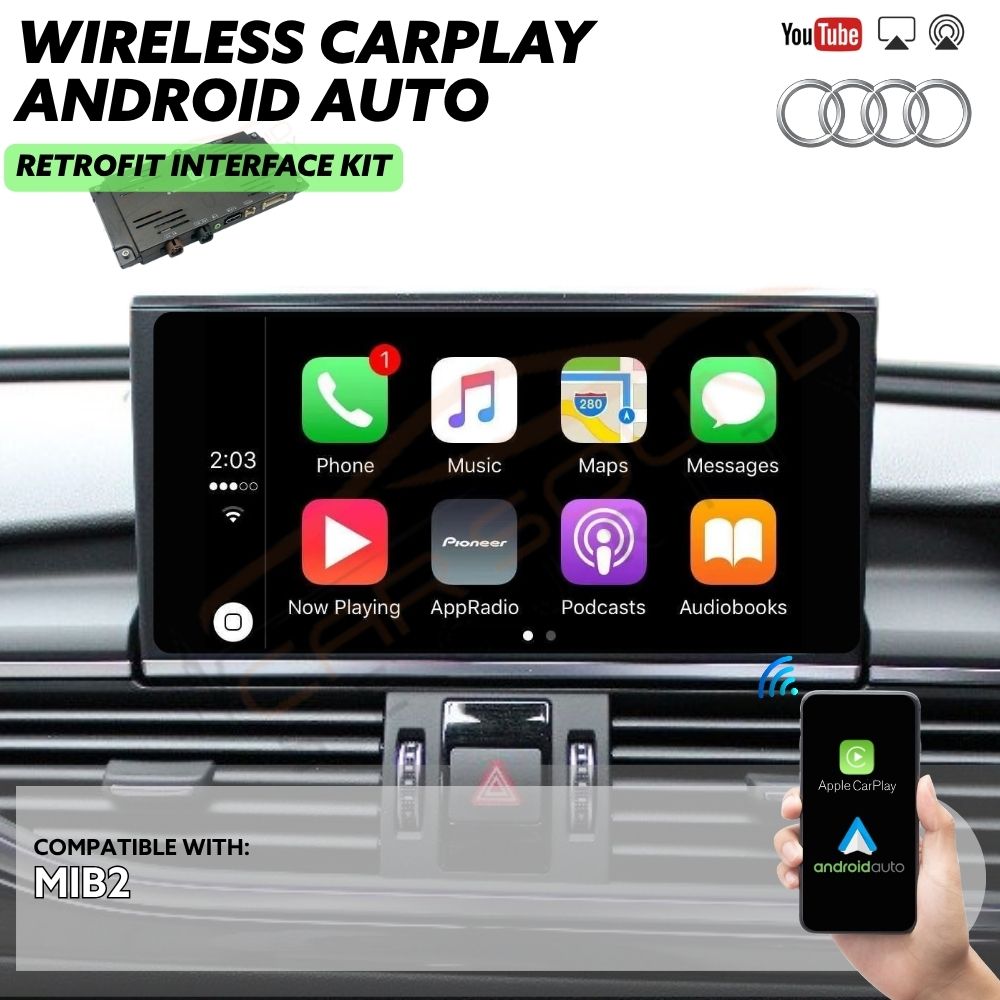
Upgrade your Audi A4 (2015+ B9-8W model) with our premium wireless Apple CarPlay and Android Auto retrofit interface, designed to bring seamless modern connectivity to your vehicle while maintaining its original factory look. This retrofit solution is fully compatible with a wide range of factory-installed Audi infotainment systems, including MIB2, with or without navigation, as well as Symphony and Concert units. Whether your A4 is equipped with a basic audio setup or a more advanced MMI system, this interface integrates effortlessly without the need for coding or permanent modifications.
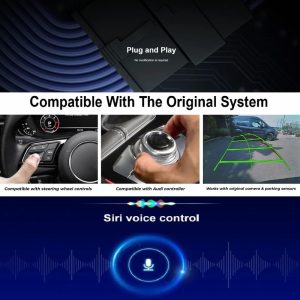
Enjoy both wired and wireless access to Apple CarPlay and Android Auto via Wi-Fi, Bluetooth, or USB, giving you intuitive control of your favourite apps like Google Maps, Waze, Spotify, WhatsApp, and more—right from your existing MMI display. The system retains full functionality of your factory controls, including the MMI knob, steering wheel buttons, and built-in microphone, delivering an OEM-like user experience with crystal-clear audio routed through your original speakers. It also supports full-screen and split-screen display modes (depending on your system), dynamic rear-view camera input, and hands-free voice control via Siri or Google Assistant. Designed for straightforward installation and a clean, factory-style finish, this retrofit is the ideal solution to modernize your Audi A4 with the latest in connected car technology.
Compatible with Audi vehicles equipped with MIB2 infotainment systems.
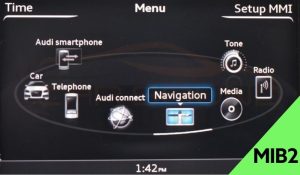
Factory AUX/USB input or Bluetooth is required, and on some models, AUX may need to be coded into the vehicle prior to interface installation.
Some features may not be supported or function properly depending on your smartphone’s model year and software version.
*If you’re unsure about compatibility, please contact us with your VIN number and we’ll be happy to assist you*
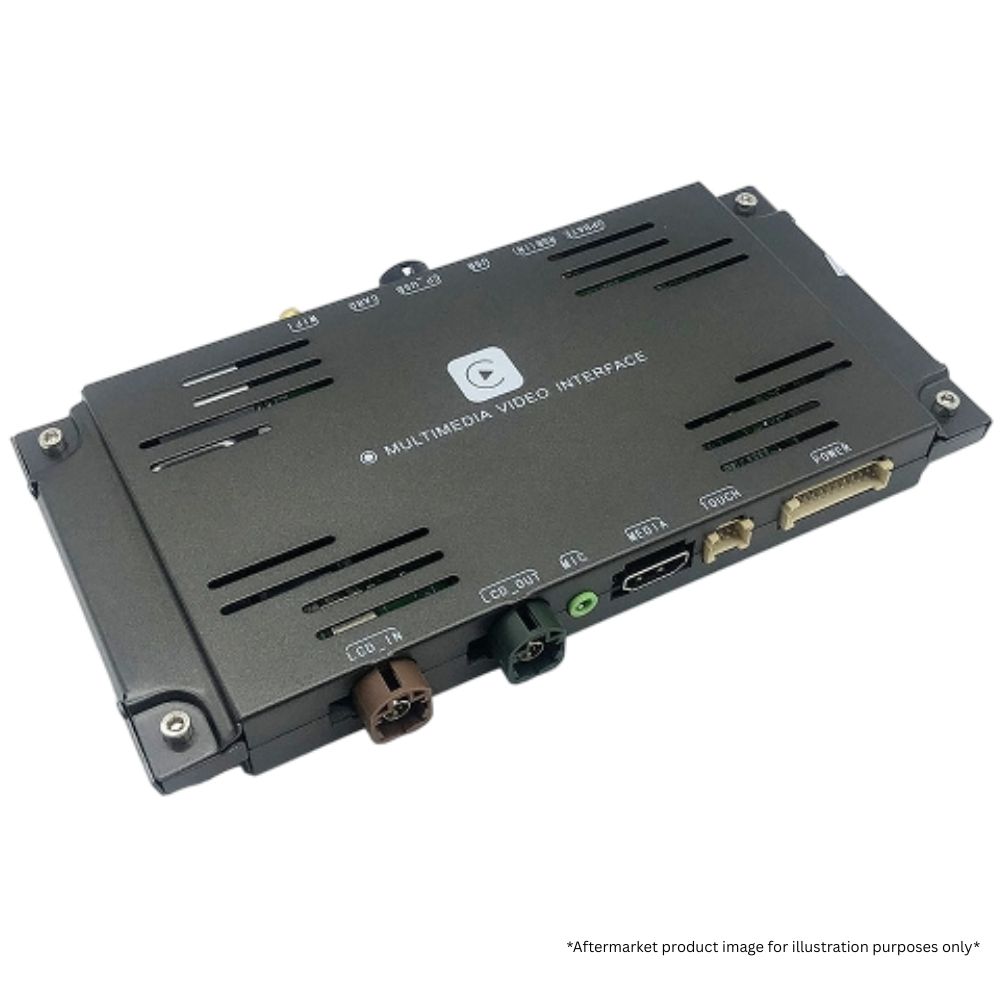
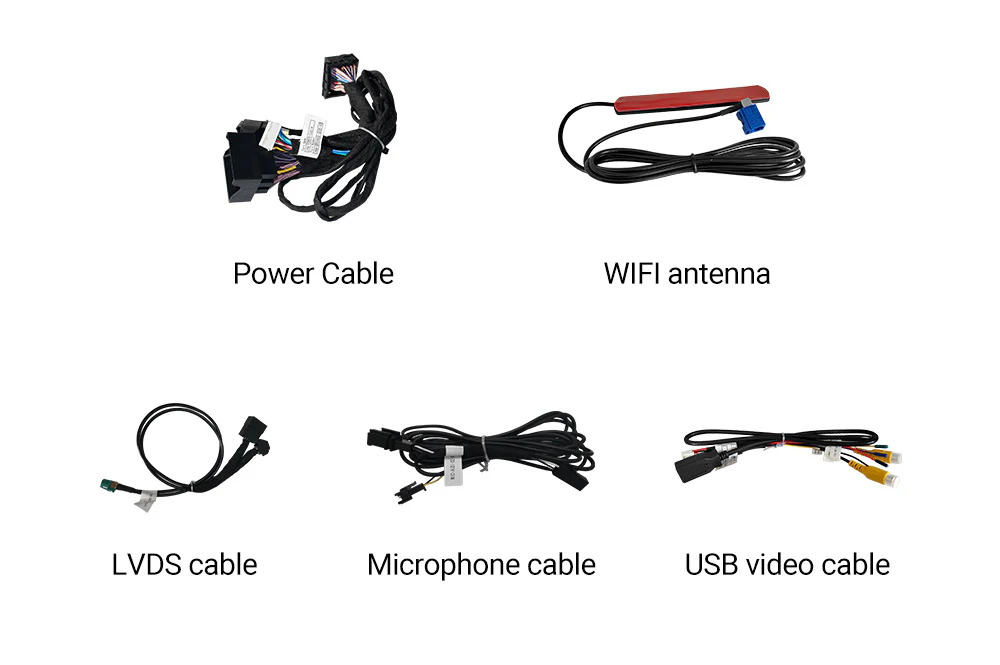
✔ CarPlay Interface Module & Parts
✔ Installation at our workshop by our experienced installations team.
✔ Demonstration by one of our team members of how everything works with your vehicle.
Video Box (£149.99): Unlock even more possibilities with the CarPlay and Android Auto interface by adding the optional video box. This powerful upgrade transforms your car’s screen into a versatile hub, supporting a wider range of apps to meet all your entertainment, navigation, and productivity needs. Bring your display to life and enjoy a smarter, more flexible driving experience like never before.

Reversing Camera Fitted (£249.99): Pair your wireless CarPlay and Android Auto retrofit interface with a premium reversing camera for enhanced safety and convenience. Get a clear, wide-angle view with night vision, parking guidelines, and waterproof durability, making parking effortless in any condition.

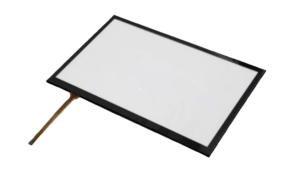
Touchscreen Overlay (£99.99): Enhance your Audi’s infotainment experience by installing a touchscreen overlay, perfect for models that didn’t come with a factory touchscreen. This add-on allows you to interact directly with your display, improving usability for features like CarPlay or Android Auto. Please note: This solution only supports Audi vehicles that do not have a factory-installed touchscreen. Compatibility depends on your vehicle’s operating system and software version.
Audio Adaptor Cable (£49.99): Some Audi’s may require AUX adapter for sound output.

Fitting can be tricky, particularly if you want to avoid the mess of trailing wires. Our fitting service puts the job in the hands of our experienced installation team, who will ensure that your purchased product(s) fit neatly and safely into your vehicle.
Make your life easier by choosing our fitting service option. We’ll handle the installation at our Ilford workshop (IG2 6QA) with precision and expertise. Trust us to make sure your product(s) is professionally fitted for optimal performance.
Once your purchase is complete, our friendly sales team will reach out within 24 hours to confirm the installation date and time you’ve selected. If your preferred slot isn’t available, no problem — we’ll work with you to find a date and time that suits you best to Install the product(s) you’ve chosen.
*Some vehicles may require additional work, and any extra charges will vary based on the type of vehicle. After inspecting your vehicle at drop-off, we’ll discuss all the details with you, ensuring you’re informed about any costs before we proceed with the installation or fitting of the product(s). Any additional parts needed will result in extra charges.*
*Aftermarket product, and all images and videos are for illustration purposes only*
Audi vehicles come equipped with a variety of factory navigation systems, depending on the model year, trim level, and optional features. At first glance, many of these systems appear nearly identical — they often start with the “Audi Multi Media Interface” welcome screen and share similar menu layouts. Because of this, it’s easy to mistake different MMI versions as the same. However, each system has distinct features and compatibility, which is why identifying the correct version is essential before choosing any upgrades.
If you’re unsure which type of factory radio or MMI software version your Audi has, don’t worry — we’ve created a simple guide to help you. With just a quick check of the MMI software version on your screen, you can easily identify your original Audi head unit and the system version installed from the factory. It’s easier than you think, and this chart will walk you through it step by step.
The easiest way to identify your MMI system is by checking the software version directly on your screen:
Setup MMI → Version Information.
Audi Engineering Red Menu
For older Audi models (mostly up to 2016), you can access the hidden Red Engineering Menu using one of the key combinations below:

Audi Engineering Green Menu
For older Audi models (mostly up to 2016), you can access the hidden Green Engineering Menu using one of the key combinations below:

Monochrome Display Detected – Not Compatible. Vehicles with a monochrome (red/black) MMI display are not supported by CarPlay Retro fit interface. These units typically do not include AUX or AMI input.


Upgrade your Audi A4 (2015+ B9-8W model) with our premium wireless Apple CarPlay and Android Auto retrofit interface, designed to bring seamless modern connectivity to your vehicle while maintaining its original factory look. This retrofit solution is fully compatible with a wide range of factory-installed Audi infotainment systems, including MIB2, with or without navigation, as well as Symphony and Concert units. Whether your A4 is equipped with a basic audio setup or a more advanced MMI system, this interface integrates effortlessly without the need for coding or permanent modifications.
Enjoy both wired and wireless access to Apple CarPlay and Android Auto via Wi-Fi, Bluetooth, or USB, giving you intuitive control of your favourite apps like Google Maps, Waze, Spotify, WhatsApp, and more—right from your existing MMI display. The system retains full functionality of your factory controls, including the MMI knob, steering wheel buttons, and built-in microphone, delivering an OEM-like user experience with crystal-clear audio routed through your original speakers. It also supports full-screen and split-screen display modes (depending on your system), dynamic rear-view camera input, and hands-free voice control via Siri or Google Assistant. Designed for straightforward installation and a clean, factory-style finish, this retrofit is the ideal solution to modernize your Audi A4 with the latest in connected car technology.
Compatible with Audi vehicles equipped with MIB2 infotainment systems.
Factory AUX/USB input or Bluetooth is required, and on some models, AUX may need to be coded into the vehicle prior to interface installation.
Some features may not be supported or function properly depending on your smartphone’s model year and software version.
*If you’re unsure about compatibility, please contact us with your VIN number and we’ll be happy to assist you*
✔ CarPlay Interface Module & Parts
✔ Installation at our workshop by our experienced installations team.
✔ Demonstration by one of our team members of how everything works with your vehicle.
Video Box (£149.99): Unlock even more possibilities with the CarPlay and Android Auto interface by adding the optional video box. This powerful upgrade transforms your car’s screen into a versatile hub, supporting a wider range of apps to meet all your entertainment, navigation, and productivity needs. Bring your display to life and enjoy a smarter, more flexible driving experience like never before.
Reversing Camera Fitted (£249.99): Pair your wireless CarPlay and Android Auto retrofit interface with a premium reversing camera for enhanced safety and convenience. Get a clear, wide-angle view with night vision, parking guidelines, and waterproof durability, making parking effortless in any condition.
Touchscreen Overlay (£99.99): Enhance your Audi’s infotainment experience by installing a touchscreen overlay, perfect for models that didn’t come with a factory touchscreen. This add-on allows you to interact directly with your display, improving usability for features like CarPlay or Android Auto. Please note: This solution only supports Audi vehicles that do not have a factory-installed touchscreen. Compatibility depends on your vehicle’s operating system and software version.
Audio Adaptor Cable (£49.99): Some Audi’s may require AUX adapter for sound output.
Fitting can be tricky, particularly if you want to avoid the mess of trailing wires. Our fitting service puts the job in the hands of our experienced installation team, who will ensure that your purchased product(s) fit neatly and safely into your vehicle.
Make your life easier by choosing our fitting service option. We’ll handle the installation at our Ilford workshop (IG2 6QA) with precision and expertise. Trust us to make sure your product(s) is professionally fitted for optimal performance.
Once your purchase is complete, our friendly sales team will reach out within 24 hours to confirm the installation date and time you’ve selected. If your preferred slot isn’t available, no problem — we’ll work with you to find a date and time that suits you best to Install the product(s) you’ve chosen.
*Some vehicles may require additional work, and any extra charges will vary based on the type of vehicle. After inspecting your vehicle at drop-off, we’ll discuss all the details with you, ensuring you’re informed about any costs before we proceed with the installation or fitting of the product(s). Any additional parts needed will result in extra charges.*
*Aftermarket product, and all images and videos are for illustration purposes only*
Audi vehicles come equipped with a variety of factory navigation systems, depending on the model year, trim level, and optional features. At first glance, many of these systems appear nearly identical — they often start with the “Audi Multi Media Interface” welcome screen and share similar menu layouts. Because of this, it’s easy to mistake different MMI versions as the same. However, each system has distinct features and compatibility, which is why identifying the correct version is essential before choosing any upgrades.
If you’re unsure which type of factory radio or MMI software version your Audi has, don’t worry — we’ve created a simple guide to help you. With just a quick check of the MMI software version on your screen, you can easily identify your original Audi head unit and the system version installed from the factory. It’s easier than you think, and this chart will walk you through it step by step.
The easiest way to identify your MMI system is by checking the software version directly on your screen:
Setup MMI → Version Information.
Audi Engineering Red Menu
For older Audi models (mostly up to 2016), you can access the hidden Red Engineering Menu using one of the key combinations below:
Audi Engineering Green Menu
For older Audi models (mostly up to 2016), you can access the hidden Green Engineering Menu using one of the key combinations below:
Monochrome Display Detected – Not Compatible. Vehicles with a monochrome (red/black) MMI display are not supported by CarPlay Retro fit interface. These units typically do not include AUX or AMI input.
There are no reviews yet.














Reviews
There are no reviews yet.